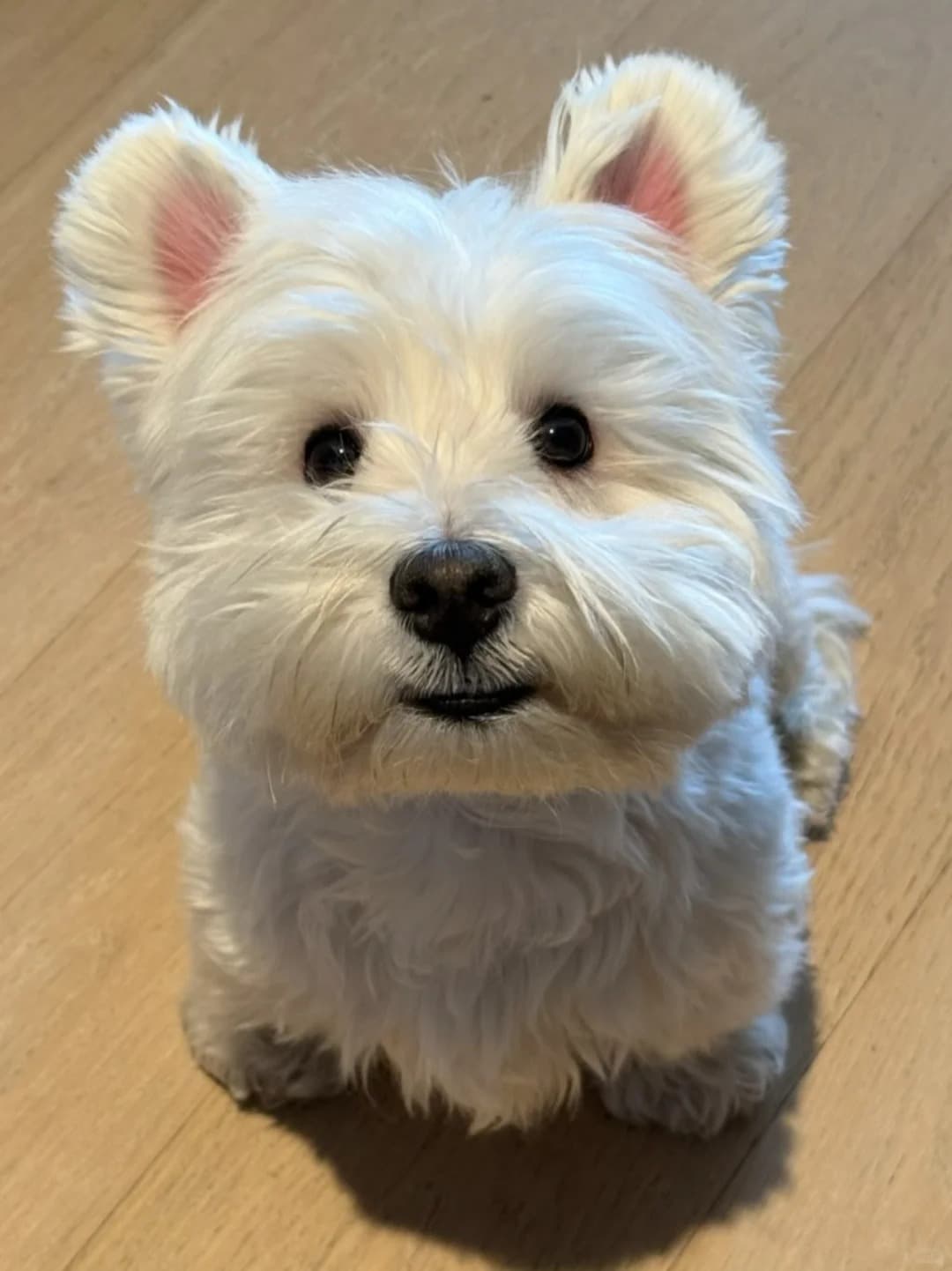
Your Photo
Create personalized artwork you can download, print, wear, or gift — from 4K digital files to framed prints, apparel, and custom products.
Your Photo
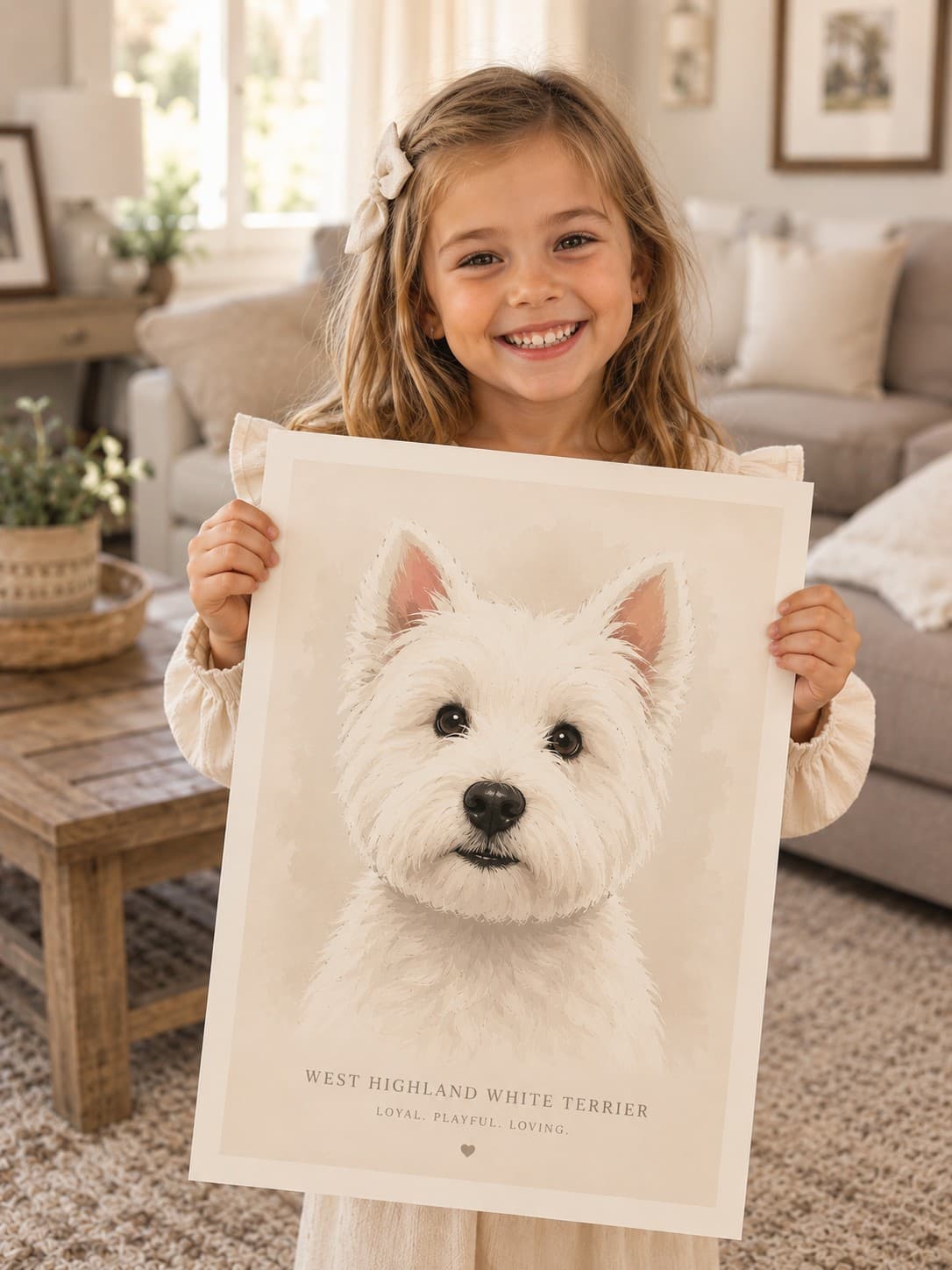
Custom Artwork
Start from a familiar image instead of a blank prompt.
Use the artwork preview to decide whether the gift feels right.
Portrait styles
Browse reusable style categories that keep the shopping experience visual, concrete, and gift-focused.

Before and after
Keep the gift decision low-pressure: upload one favorite photo, preview the portrait, then choose the final piece only when the artwork feels ready.
Step 1
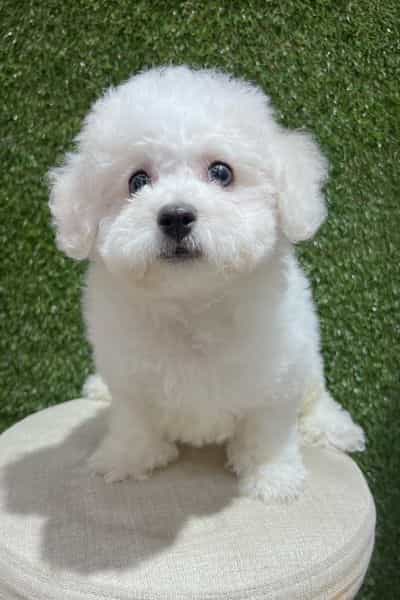
Start with a clear pet photo where the face, markings, and expression are easy to recognize.
Product formats
Digital, print, and canvas stay downstream from the preview so the finished portrait leads the purchase decision.
Best when the artwork is needed quickly or should stay flexible for later use.
Why pet parents choose LineVibes
Value-focused cards show how the LineVibes flow helps shoppers decide with the artwork in view.
Start with one favorite photo and evaluate the portrait direction before choosing a paid format.
Curated style cards keep the path concrete instead of asking pet parents to write a prompt from scratch.
Gift occasions
Start with the photo and style first, then decide whether a digital file, print, or canvas fits the occasion.
Start with a favorite pet photo and choose the final format after preview.
FAQ
Keep purchase expectations clear before shoppers enter the existing generator flow.
Use a clear, well-lit photo where the subject's face and outline are easy to see. Avoid heavy filters or extreme crops.
Yes. The landing system should preserve the preview-first promise and keep final purchase decisions after the artwork preview.
Gift-ready portraits
Open the portrait preview flow, compare styles, and decide only when the artwork feels ready.
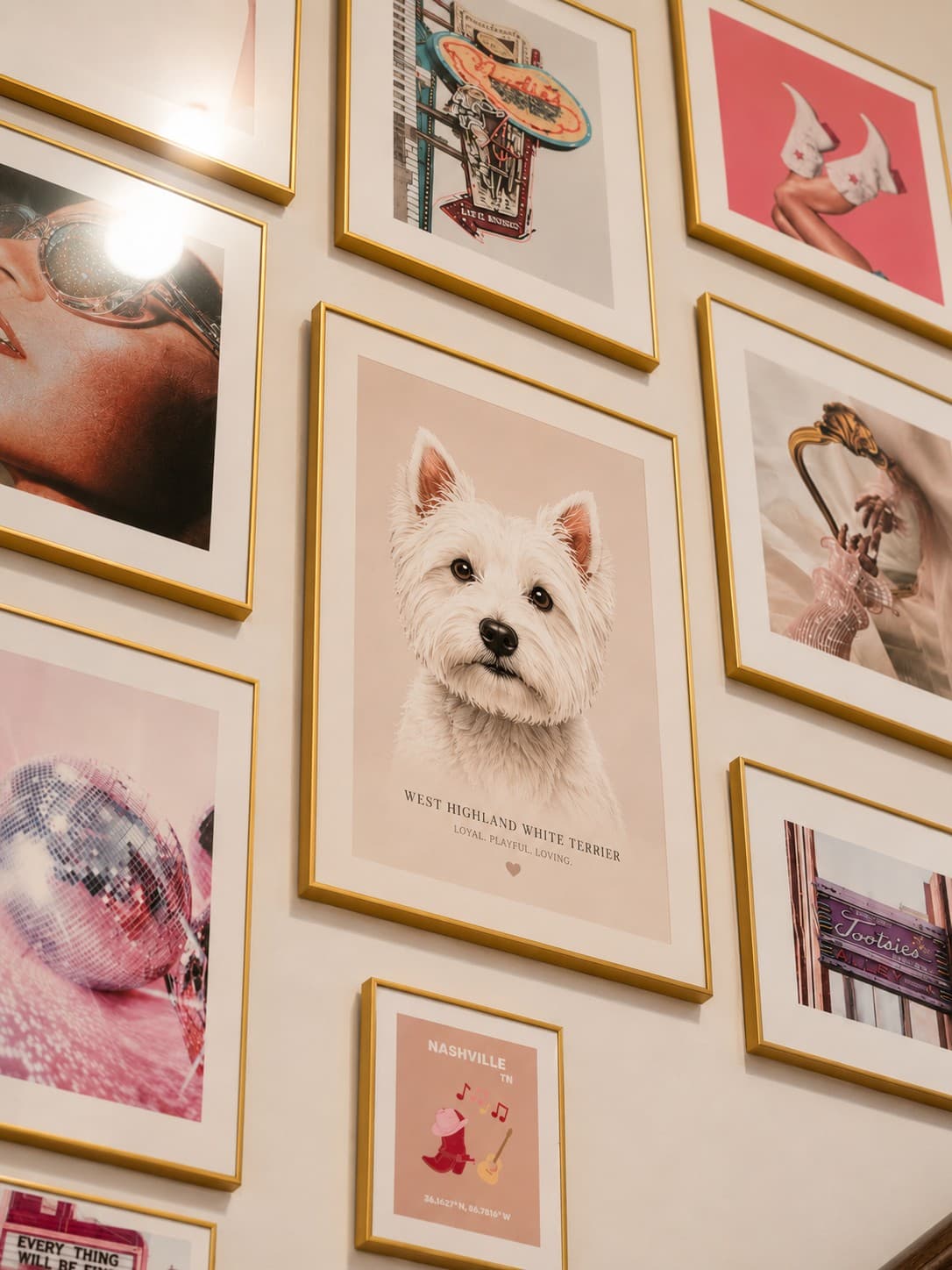
Framed Print
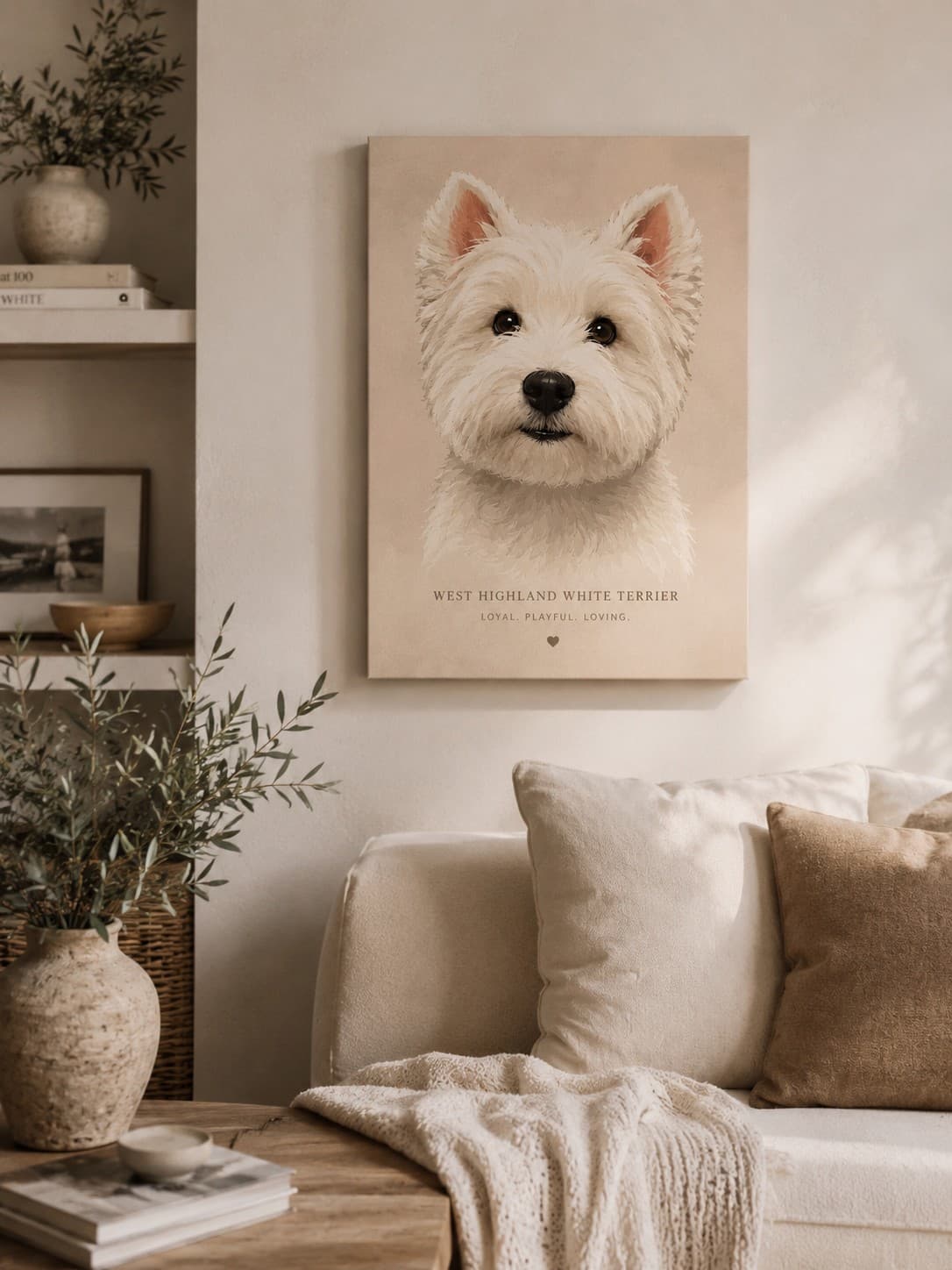
Canvas Print
Your Photo
Custom Artwork
Framed Print
Canvas Print
Choose the final format after the artwork direction is clear.



Open this portrait template, upload one photo, and preview the finished artwork before choosing a final format.
Explore styleStep 2
See the custom artwork direction before committing to a final order.
Step 3
Decide between digital, print, or canvas after the portrait feels gift-ready.



Best when the selected preview already feels ready for a physical gift.
Best when the chosen artwork needs a stronger wall-display presence.
Keep digital, print, and canvas decisions downstream from the artwork preview.
The page keeps the gift decision clear without adding checkout pressure too early.
Turn an early favorite photo into artwork before ordering the keepsake.
Preview the portrait first, then decide whether print or canvas fits the gift.

Yes. The page content can change while the layout blocks stay shared, as long as species-specific template data is available.