“We knew which version to buy before spending anything.”
Amanda K.
Preview-First Portrait Templates
Try multiple worlds from one photo, then order only the version that feels right.
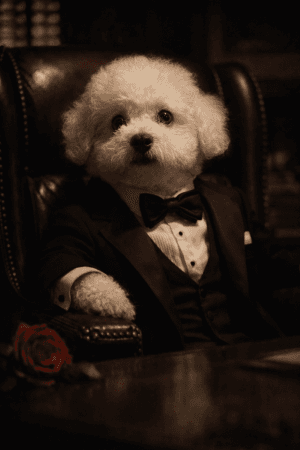
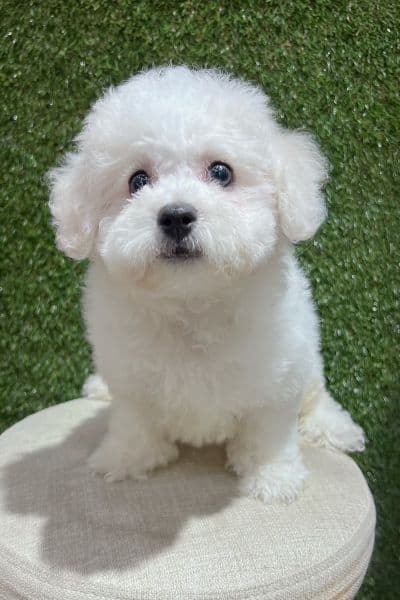
Preview World
Storybook Glow
Storybook Glow
Soft wardrobe styling and polished studio light.
Social Proof
“We knew which version to buy before spending anything.”
Amanda K.
“Trying several worlds from one photo felt premium and clear.”
Brian T.
“The preview matched the direction, so the product felt trustworthy.”
Cynthia L.
Interactive Preview Studio
Upload one portrait, choose a template, compare the result, and keep the version that feels ready to buy.
3 free previews/month
Guests can create watermarked previews before signing in. Sign in to keep previews, use account credits, or buy credit packs.
Live Preview
Add one clear photo to open crop controls and turn this preview into a live canvas.
Use the upload step to crop the photo before choosing a template.
Upload
A visible face, clean light, and minimal filters usually produce the strongest preview and make template comparisons easier.
Photo Tips
Reuse a saved upload when trying another template.
Selection
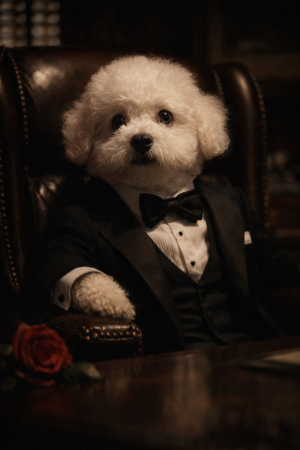
Checkout Readiness
Generate a portrait and choose your final format to continue to checkout.
Price
Generate a portrait before adding it to your cart.
Template Directions
These template worlds are designed to move users quickly from interest to preview. Each card below links directly into the generator with that direction preselected.
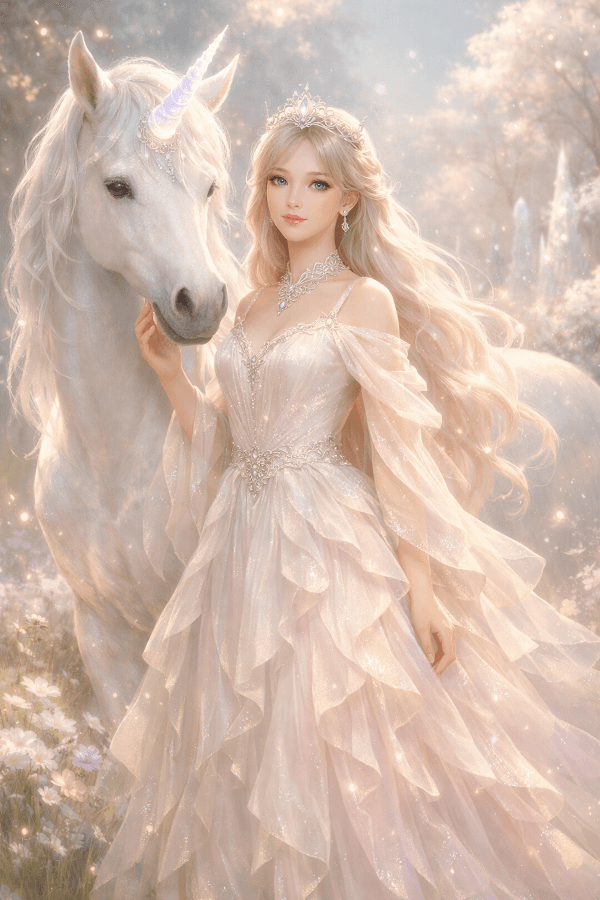 Best Seller
Rainbow fantasy portrait template
A soft storybook scene with a glowing unicorn, jeweled gown, rainbow sky, and castle lights.
Luminous cosmic fantasy
Dreamy gradients, elevated atmosphere, and a more ethereal portrait direction.
 Popular
Adventure portrait template
A bold heroic scene with a dragon silhouette, mountain sky, and action-led fantasy framing.
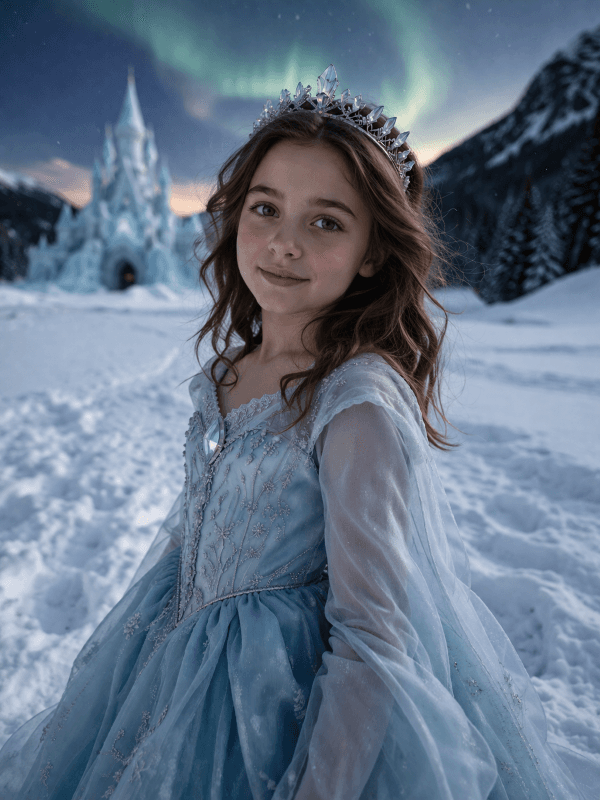
Frozen palace portrait template
Aurora skies, crystalline gown details, and a winter palace built for a regal portrait reveal.
How It Works
Upload once, choose a world, and keep the version you want.
Step 1
Use one clear photo with a visible face and clean light.
Step 2
Pick a ready-made world instead of starting from a blank prompt.
Step 3
Keep the version you trust, then choose the final format.
Delivery Options
Move into digital, print, or canvas only when the portrait already feels right.
Best when you want the artwork right away and full flexibility.
Best when the preview already feels gift-ready.
Best when the chosen portrait needs more wall presence.
The preview does the selling before checkout starts.
Template direction keeps the style choice concrete.
The final purchase stays tied to the exact version they chose.
FAQ
These are the questions people usually ask before they upload, compare a few directions, and choose their final portrait preview.
Ready To Preview
Start with one portrait photo, try a few template directions, and move forward only when the result already feels right.
One photo. Multiple directions. Buy after preview.